
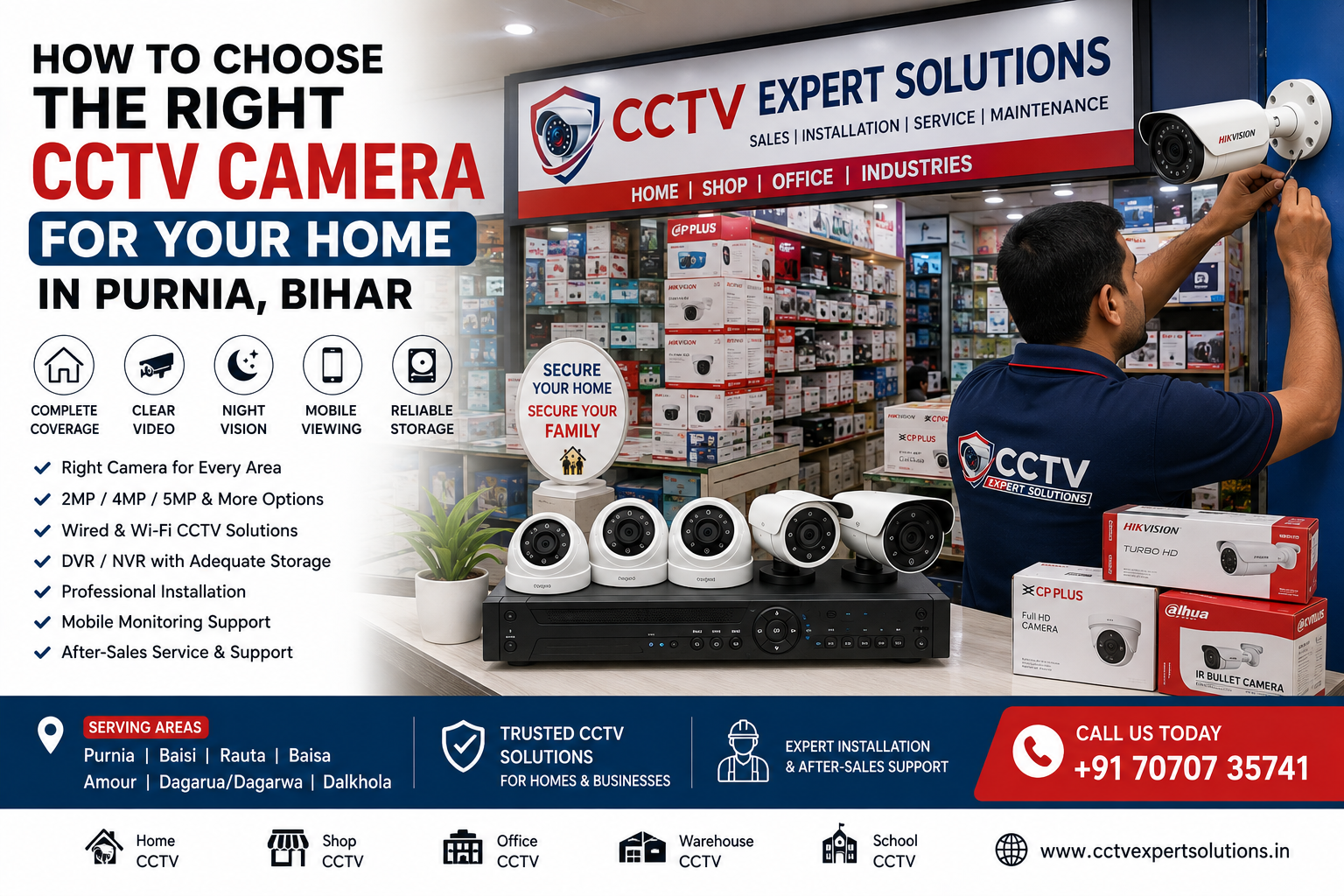
Choosing the right CCTV camera for your home in Purnia, Bihar depends on your property’s size, number of entrances, parking area, lighting conditions, required recording time and whether you want to monitor your home from your mobile phone.
For many independent homes, a 4-camera CCTV system can be a practical starting point. Larger homes and properties with multiple entrances, parking areas or boundary sections may need 6, 8 or more cameras.
The best CCTV camera is not necessarily the most expensive one. The right system is the one that provides proper coverage, clear video, reliable night visibility, sufficient storage and professional installation.
In this guide, we explain how to choose the right CCTV camera for your home in Purnia and what to check before installing a home security camera system.
Quick Answer: Which CCTV Camera Is Best for a Home in Purnia?
For most homes, consider a CCTV system with:
- Suitable indoor and outdoor cameras
- 2MP, 4MP, 5MP or higher resolution based on requirements
- Good night vision
- Adequate recording storage
- DVR or NVR according to the camera technology
- Mobile viewing capability
- Reliable power and cabling
- Proper camera positioning
- Professional installation
A 4-camera setup can be suitable for many standard independent homes. However, the actual number of cameras should be decided according to your property’s layout and security requirements.
Why Is Choosing the Right CCTV Camera Important?
Buying a CCTV camera only because it has a high megapixel rating can result in an unsuitable security system.
Before purchasing, consider:
- What areas need monitoring?
- How far should each camera see?
- Does the area become dark at night?
- How many days of recording do you need?
- Do you want mobile monitoring?
- Do you need indoor, outdoor or both types of cameras?
- Will you add more cameras later?
A CCTV system should be designed around the property rather than around a standard package.
1. Start With Your Home’s Security Requirements
Walk around your property and identify the important areas that require monitoring.
Common locations include:
- Main gate
- Main entrance
- Parking area
- Rear entrance
- Side passage
- Garage
- Staircase
- Boundary
- Common indoor areas
The objective is to identify important areas and reduce potential blind spots.
For example, a house with one main entrance may need fewer cameras than a property with separate front, rear and side entrances.
2. How Many CCTV Cameras Does a Home in Purnia Need?
There is no fixed number that works for every home.
Small Home
2–3 cameras may provide basic coverage.
Standard Independent Home
A 4-camera system can cover areas such as:
- Main gate
- Main entrance
- Parking/front area
- Rear or side entrance
Larger Home
A 6–8 camera system may be more appropriate when the property has:
- Multiple entrances
- Large parking areas
- Long boundary walls
- Multiple floors
- Rear access
- Side passages
Large Residential Property
Larger properties may require 8 or more cameras, depending on the layout.
The objective should be useful coverage, rather than installing the maximum possible number of cameras.
3. Choose the Right CCTV Camera Type
Different camera designs are suitable for different locations.
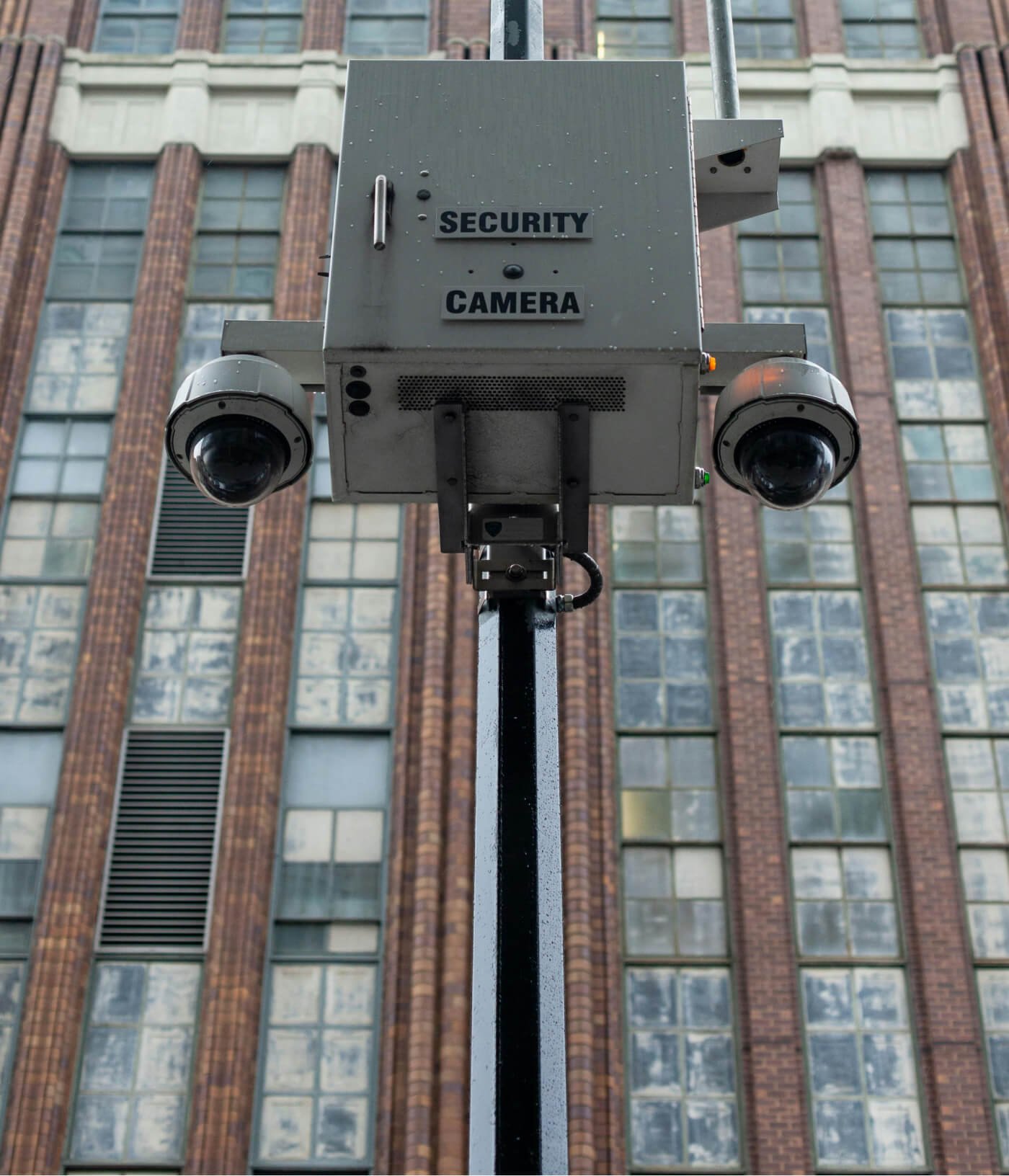
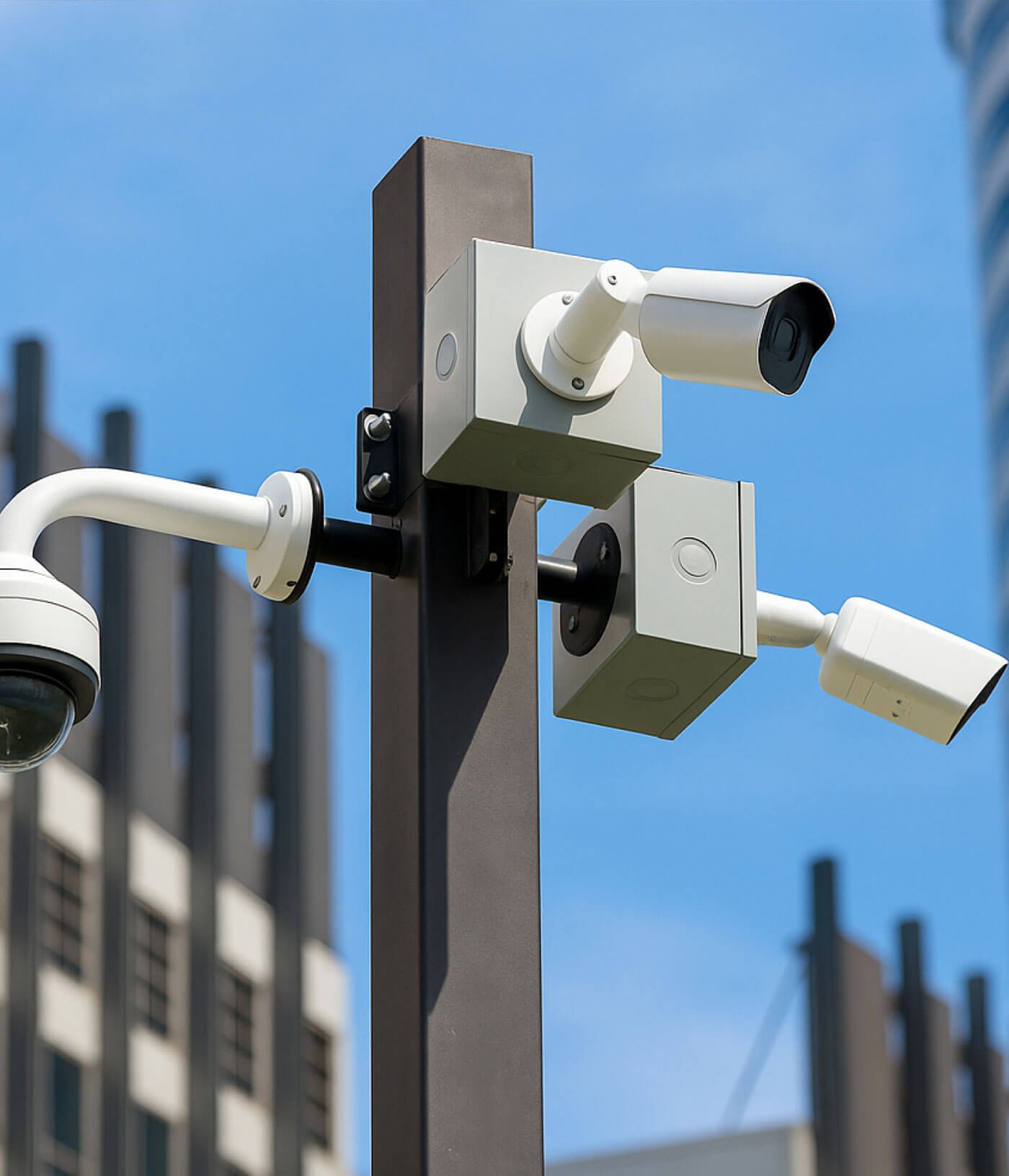
Bullet CCTV Camera
Bullet cameras are commonly used for outdoor applications.
They can be suitable for:
- Main gates
- Driveways
- Parking areas
- Outdoor entrances
- Boundary areas
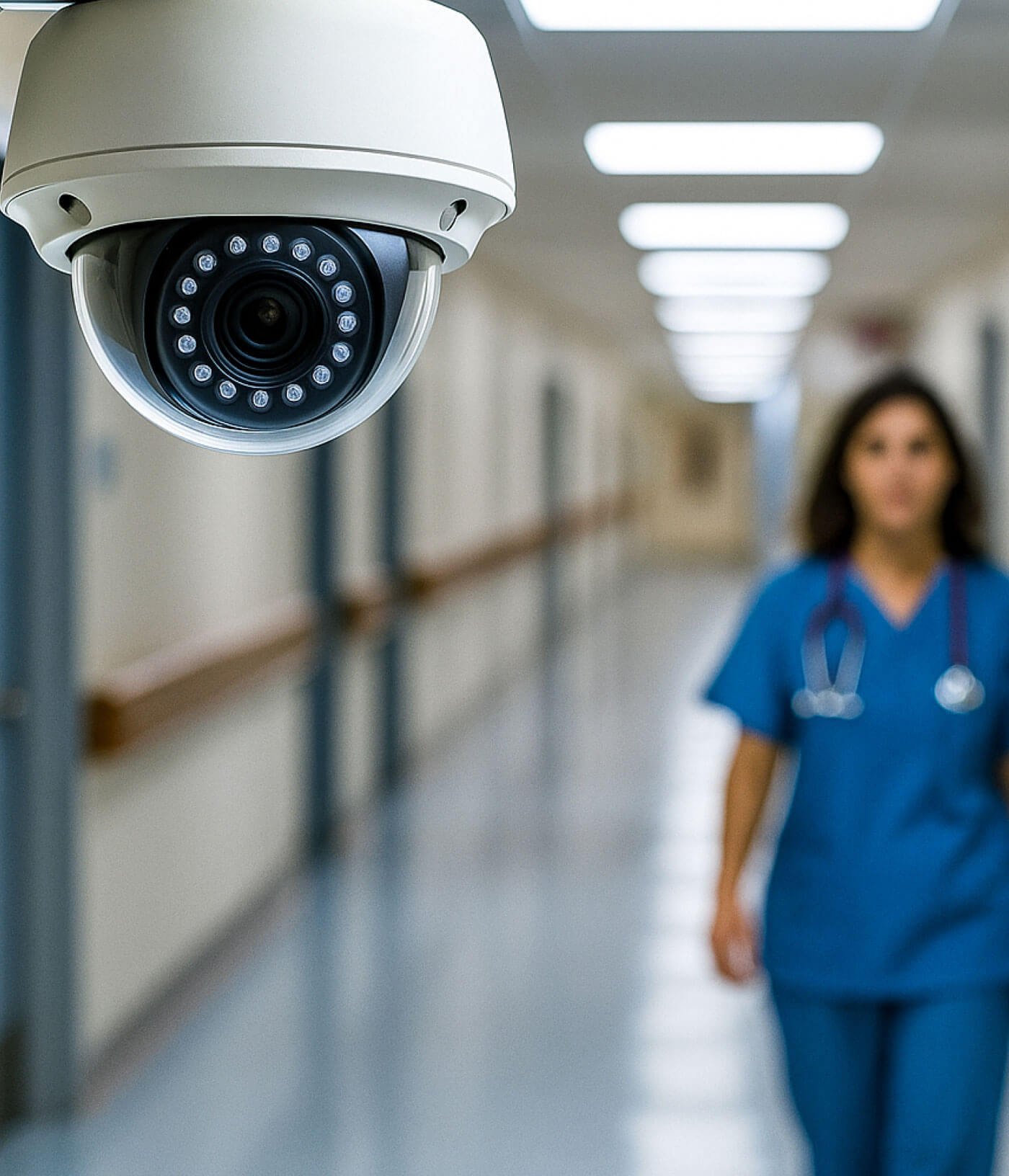
Dome CCTV Camera
Dome cameras are commonly suitable for indoor environments.
They can be considered for:
- Corridors
- Entrances
- Common areas
- Staircases
Turret CCTV Camera
Turret cameras can be suitable for indoor or outdoor applications depending on the specific model and environment.
IP CCTV Camera
IP cameras operate over a network and are available in different resolutions and feature sets.
They can be a good option for homeowners looking for a modern network-based CCTV system.
Wi-Fi CCTV Camera
Wi-Fi cameras can be useful where running cables is difficult.
They may be suitable for individual locations, small installations or areas where cable routing is impractical.
For permanent multi-camera installations, a wired system may be preferable where practical.
4. Which CCTV Resolution Should You Choose?
Common CCTV resolutions include:
- 2MP
- 4MP
- 5MP
- 8MP / 4K
2MP CCTV
Suitable for basic monitoring and smaller areas.
4MP CCTV
Provides more image detail and can be a practical choice for many homes.
5MP CCTV
Can be useful when additional detail is required.
8MP / 4K CCTV
Designed for higher-detail applications, provided the rest of the CCTV system supports the resolution.
Remember that higher megapixels alone do not guarantee better CCTV performance. Lens quality, sensor performance, lighting, camera positioning and recording configuration also matter.
5. Check Night Vision Before Buying
Night-time performance is one of the most important considerations for home CCTV.
Depending on the camera, features may include:
- Infrared night vision
- Low-light performance
- Color night vision
- WDR
- Smart detection
- Extended night-vision range
Before buying, consider the actual lighting around your property.
A camera facing a well-lit entrance has different requirements from one monitoring a dark side passage.
6. Wired CCTV vs Wi-Fi CCTV
Both options can be useful, but they are designed for different situations.
Wired CCTV
Advantages include:
- Stable connection
- Suitable for permanent installations
- Good for multiple-camera systems
- Less dependent on Wi-Fi coverage
Wi-Fi CCTV
Advantages can include:
- Easier installation in some locations
- Useful where cable routing is difficult
- Convenient for individual cameras
- Flexible for selected residential applications
Which Is Better for a Home?
For a new 4–8 camera home CCTV system, wired CCTV can be a strong option.
For one or two cameras in locations where cable installation is difficult, Wi-Fi CCTV may be practical.
7. DVR or NVR: Which Should You Choose?
The recorder depends on the CCTV technology.
DVR
A DVR is generally used with compatible HD or analogue CCTV cameras.
NVR
An NVR is generally used with IP/network cameras.
If you are planning a new IP CCTV system, an NVR-based setup can offer flexibility for network cameras and future expansion.
8. How Much CCTV Storage Do You Need?
Storage depends on:
- Number of cameras
- Resolution
- Recording quality
- Recording mode
- Frame rate
- Compression
- Required retention period
For example, a system recording continuously for 30 days will require different storage from a system recording primarily when motion is detected.
Before selecting the HDD, decide:
How many days of CCTV recording do I want to retain?
The storage can then be planned around your requirements.
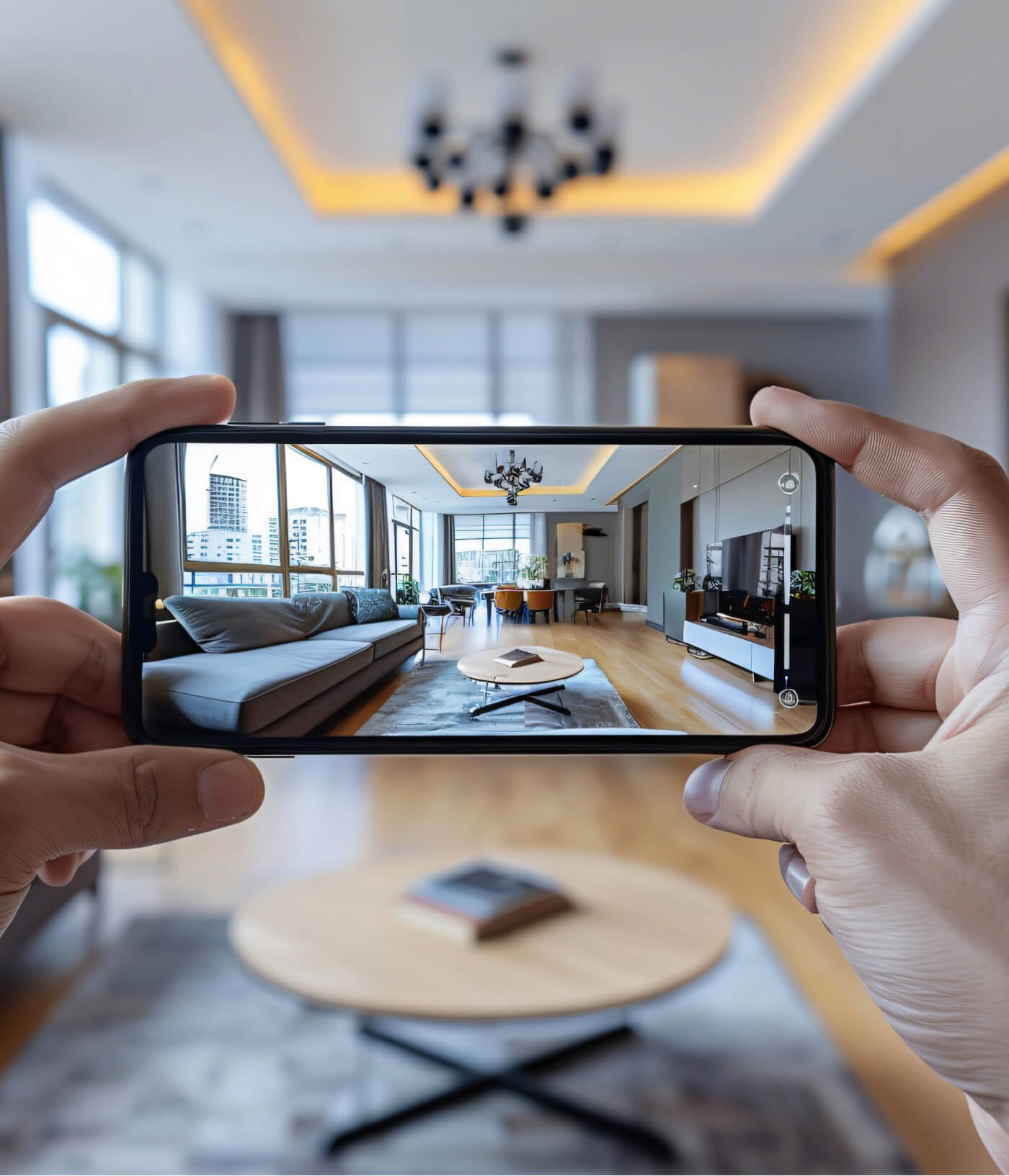
9. Can You Watch Home CCTV on Your Mobile?
Yes. Many modern CCTV systems support remote viewing through a compatible mobile application.
Depending on the system, you may be able to:
- Watch live video
- Review recordings
- Monitor multiple cameras
- Receive supported alerts
- Check your property remotely
Mobile viewing requires compatible equipment and proper network configuration.
A reliable internet connection is also important for remote access.
10. Where Should CCTV Cameras Be Installed at Home?
Main Gate
The camera should cover the entry and approach to the property.
Main Door
Useful for monitoring visitors and deliveries.
Parking Area
Can help monitor vehicles and activity around the parking space.
Rear Entrance
Don’t focus only on the front of the property.
Side Passage
A side passage can become a blind spot if it is not considered during installation.
Boundary
Larger properties may need cameras covering important boundary sections.
The camera should be positioned so that it provides useful footage rather than simply covering a large empty area.
11. Consider Lighting Conditions in Purnia
Lighting can significantly affect CCTV image quality.
Before installation, consider:
- Direct sunlight
- Headlights
- Street lighting
- Shadows
- Completely dark areas
- Reflective surfaces
The correct camera, lens and position should be selected according to the actual environment.
12. Do You Need Audio on Your CCTV Camera?
Some CCTV cameras provide:
- Built-in microphones
- External audio
- Two-way communication
Audio can be useful in certain common areas, but privacy should always be considered.
Cameras should not be installed in private spaces such as bedrooms, bathrooms or changing areas.
13. Outdoor CCTV: What Should You Check?
For outdoor cameras, consider equipment designed for the environment in which it will be installed.
Pay attention to:
- Weather resistance
- Proper mounting
- Cable protection
- Connector protection
- Junction boxes
- Power connections
Even a good camera can have problems if the installation is not properly protected.
14. Don’t Choose CCTV Only by Price
The cheapest CCTV package isn’t necessarily the best option.
Compare the complete system:
Camera + DVR/NVR + HDD + Cabling + Power + Installation + Mobile Setup + Warranty + Service
A slightly higher-quality system with proper installation can offer better long-term value than a low-cost package with limited support.
15. Why Professional CCTV Installation Matters
Professional installation is about more than fixing cameras to a wall.
Incorrect installation can result in:
- Blind spots
- Poor camera angles
- Glare
- Weak night footage
- Exposed cables
- Unstable connections
- Incorrect recording settings
Professional installation can help with:
- Camera positioning
- Coverage planning
- Cable routing
- DVR/NVR configuration
- Network setup
- Mobile viewing
- System testing
Learn more about professional installation:
Why Choose CCTV Expert Solutions for CCTV Camera Installation in Bihar & West Bengal?
CCTV Camera Requirements for Homes in Purnia
Every home in Purnia has different security requirements.
Before installing CCTV, identify:
- Number of entrances
- Property size
- Parking area
- Boundary
- Number of floors
- Outdoor areas
- Indoor common areas
- Required recording duration
For general information about the district, visit the Purnea District Administration website .
Best CCTV Setup for a Typical Home in Purnia
| Location | Suggested Camera |
|---|---|
| Main Gate | Outdoor Bullet/Turret |
| Main Entrance | Dome/Turret |
| Parking / Front | Outdoor Camera |
| Rear Entrance | Outdoor Camera |
For larger properties, additional cameras can be added for:
- Side passages
- Boundary areas
- Garage
- Staircases
- Additional entrances
The final setup should be based on the property’s actual layout.
How Much Does Home CCTV Installation Cost in Purnia?
There is no single fixed installation price because the total cost depends on:
- Camera quantity
- Camera resolution
- Camera type
- DVR/NVR
- HDD capacity
- Cable length
- Installation complexity
- Mobile viewing
- Additional accessories
For a detailed explanation of CCTV installation pricing and the factors involved, read:
How Much Does CCTV Camera Installation Cost in Baisi, Bihar?
Although that guide focuses on Baisi, many of the equipment and installation factors are relevant when planning a CCTV system in Purnia as well.
Common CCTV Buying Mistakes
Buying Only Based on Megapixels
A higher resolution doesn’t automatically solve poor positioning or lighting problems.
Choosing Too Few Cameras
Reducing camera count can leave important areas uncovered.
Ignoring Night Vision
Daytime performance doesn’t tell you how well the camera will work at night.
Choosing the Wrong Lens
The lens should match the distance and area that needs monitoring.
Not Planning Storage
You may not have enough recording retention if storage is selected without considering camera count and resolution.
Ignoring After-Sales Service
CCTV systems may require repair, maintenance or configuration support over time.
Poor Cable Installation
Improper cabling can cause connectivity and reliability problems.
Why Choose CCTV Expert Solutions for Your Home in Purnia?
CCTV Expert Solutions focuses on CCTV and security solutions for residential and commercial properties in Bihar and nearby North Bengal service areas.
Our CCTV services can include:
- CCTV Camera Installation
- Home CCTV Installation
- Shop CCTV Installation
- Office CCTV Installation
- IP Camera Installation
- DVR/NVR Setup
- CCTV Repair
- CCTV Maintenance
- Mobile CCTV Viewing
- Security Camera Solutions
Whether you need a CCTV system for a small home or a larger residential property, the right solution should be based on your coverage requirements, property layout and budget.
Get the Right CCTV Camera for Your Home in Purnia
Choosing a CCTV system doesn’t have to be complicated.
Focus on:
Coverage → Camera Type → Resolution → Night Vision → Storage → Recorder → Mobile Viewing → Installation → Maintenance
A properly planned CCTV system can provide better security and better value than simply choosing the cheapest package.
Planning CCTV Installation in Purnia?
CCTV Expert Solutions can help you select and plan a CCTV system according to your property’s actual requirements.
Service Areas: Purnia • Baisi • Rauta • Baisa • Amour • Dagarua/Dagarwa • Dalkhola
Contact CCTV Expert Solutions for CCTV installation, repair, service and maintenance.
Frequently Asked Questions
What is the best CCTV camera for a home in Purnia?
The best CCTV camera depends on your home’s layout, required coverage, lighting, viewing distance and recording requirements. A combination of suitable outdoor and indoor cameras can provide effective residential coverage.
How many CCTV cameras do I need for my home?
A small home may need 2–3 cameras, while a standard independent home may require around 4 cameras. Larger properties may require 6–8 or more depending on entrances, parking and boundary areas.
Is 4MP CCTV good for home security?
Yes. 4MP can be a practical choice for many homes when the camera, lens, lighting and installation are appropriate.
Is Wi-Fi CCTV better than wired CCTV?
Neither is universally better. Wired CCTV can be suitable for permanent multi-camera systems, while Wi-Fi cameras can be useful where cable installation is difficult.
Can CCTV cameras work without internet?
Yes. Many CCTV systems can record locally without internet. Internet connectivity is generally required for remote mobile viewing.
Can I watch my home CCTV from my mobile?
Yes. Compatible CCTV systems can provide mobile viewing when properly configured with a suitable network connection.
How much CCTV storage do I need?
Storage depends on the number of cameras, resolution, recording mode and the number of days of footage you want to retain.
Is night vision necessary for home CCTV?
For many residential properties, yes. Night vision or suitable low-light performance is important when monitoring the property after dark.
Where should CCTV cameras be installed at home?
Common locations include the main gate, main entrance, parking area, rear entrance, side passage and important boundary areas.
Should CCTV cameras be installed inside bedrooms?
No. CCTV should not be installed in private areas such as bedrooms, bathrooms or changing areas.
What should I check before buying CCTV?
Check the camera resolution, lens, night vision, recorder compatibility, storage, cabling, warranty, mobile viewing and after-sales service.
How can I get CCTV installation in Purnia?
You can contact CCTV Expert Solutions with your property details and security requirements. A site assessment can help determine the appropriate camera quantity and system configuration.
Final Verdict
The best CCTV camera for your home in Purnia is the one that matches your property’s actual security requirements.
Before purchasing, consider:
Coverage + Camera Type + Resolution + Night Vision + Storage + DVR/NVR + Mobile Viewing + Installation + Maintenance
Don’t choose a CCTV system only because it has a high megapixel rating or a low price. A properly planned and professionally installed system can provide more useful coverage and better long-term value.
If you’re looking for CCTV Camera Installation in Purnia, Bihar, start with your property’s security requirements and choose the system accordingly.
